

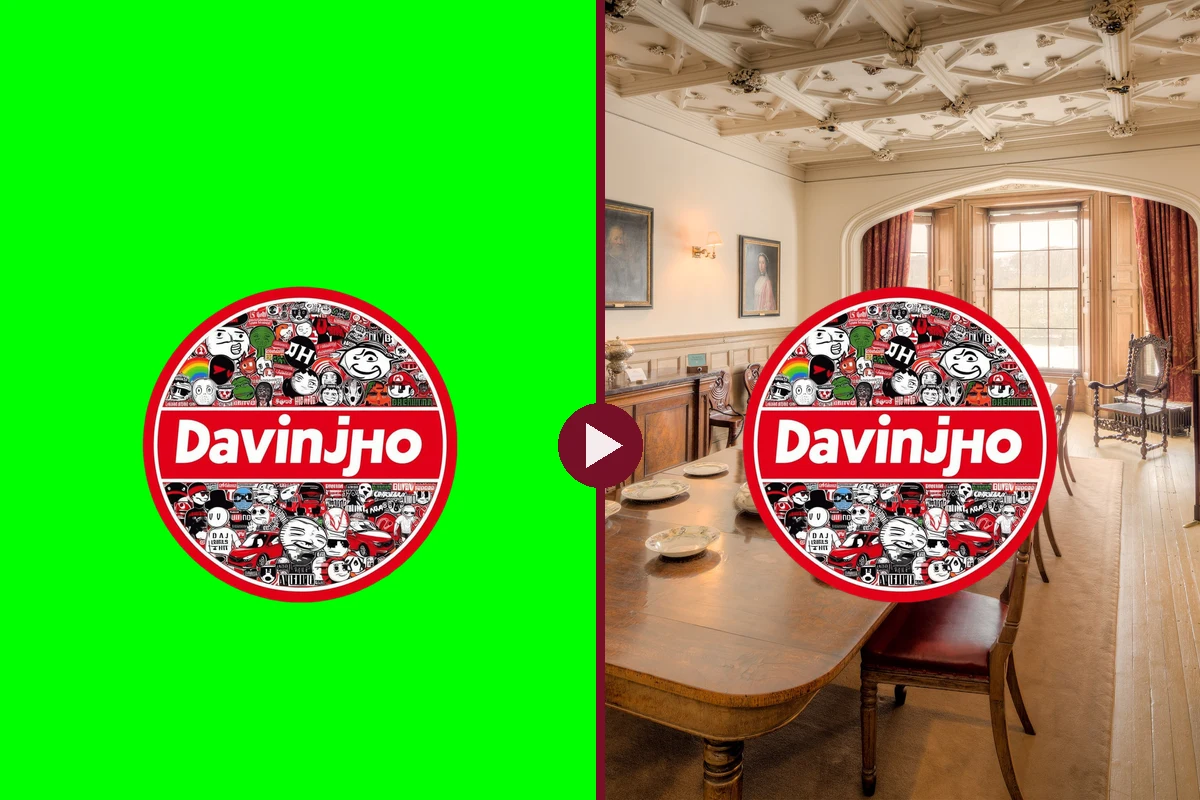
You’ve seen them a thousand times. An anime character suddenly sitting at your family’s dinner table. A cartoon villain walking into a school cafeteria. A random guy from a 2009 movie reacting to your group chat.
That’s a green screen meme. And the best part: you don’t need Premiere, a PC from NASA or a subscription that costs more than your phone bill. You need a template, a background and about five minutes.
Here’s how it works, where to find the templates and how to make one for free in your browser.
What is a green screen meme?
A green screen meme takes a clip that was filmed (or cut out) in front of a bright green background and drops it into a different picture or video. The green gets removed, so only the character stays. This trick is called chroma key, and Hollywood has been using it for decades. The internet just uses it for dumber things.
There are two main types:
- Template on top: a ready-made clip of a character on green, placed over your own photo or video. This is the classic TikTok version.
- You on top: you film yourself in front of a green wall and put yourself anywhere you want. The moon. A crime scene. Your ex’s wedding. (Don’t.)
This guide is about the first type, because that’s where the memes are.
One of ours: the Higuruma family dinner
Here’s an example from our own page. The template is Higuruma, the lawyer from Jujutsu Kaisen, holding his head like he just lost the case of his life. Put him at a dining table, add one caption, and suddenly it’s the most relatable thing on the internet.

The template does the acting. The background sets the scene. The caption delivers the punchline. That’s the whole formula.
Where to find green screen meme templates
You don’t have to make templates yourself. There are entire accounts that post nothing else.
TikTok green screen accounts
These three are huge and post new templates all the time:
- @igreenscreenthings, which calls itself the #1 source of green screen memes
- @memescreens, daily meme templates, many also as CapCut templates
- @chiefgreenscreens, “meme templates only”
There are many more. Search TikTok for “green screen meme” plus the character or movie you want.
How to save a template: open the video in the TikTok app, tap Share and then Save video. That only works if the creator allows downloads, but template accounts usually do, because they want you to use their stuff. Skip the random “TikTok downloader” sites. They’re full of sketchy ads, some push malware, and scraping videos with outside tools can break TikTok’s rules.
Here’s what a template looks like, straight from one of those accounts:
That’s the Doakes stare from Dexter on green. If you don’t know who he is, we explained the James Doakes meme here.
More places to look
- CapCut: many template accounts link their templates in CapCut, where you can use them directly.
- YouTube: search “green screen meme” plus the name of the meme. There are channels with hundreds of them.
- Pixabay: no anime or movie clips, but free green screen effects like subscribe buttons and transitions. The Pixabay license lets you use them for free, no credit required.
- Mixkit: more free green clips without watermark, under Mixkit’s own license. Check the license before you use a clip.
Quick note on rights: most meme templates are clips from movies, shows or anime. Using them for memes is everyday internet culture, but the clips still belong to the studios. Keep it to memes, don’t sell them, and if a template account asks for credit, give it.
How to make a green screen meme in the Davinjho Meme Maker
Our free meme maker has a built-in chroma key. It runs in your browser, nothing gets uploaded to a server and there’s no watermark. Here’s the full process with real screenshots. Our test meme: the Davinjho logo crashing a royal dinner.
Step 1: Pick your size
Open the Meme Maker and choose a canvas. HD Portrait (1080 x 1920) is the right size for TikTok, Reels and Shorts. Square works for Instagram posts.

Step 2: Add your background
Click Image (or Video) and upload your background. In the layout settings you can move and resize it. We pushed it down to leave a black bar on top for the caption, the classic meme look.

Step 3: Add the green screen clip, then fix the layer order
Click Video and upload your template. Now the part that confuses everyone: the new clip lands behind the background, so you won’t see it.

In the timeline, the top row is the front layer. Click the little up arrow next to your clip until it’s in the top row. Then resize and move it in the Layout tab.

Step 4: Remove the green
Open the Chroma tab and switch on Enable Chroma Key. The key color is already green (there’s a blue button for blue screens). The green disappears instantly.

If you still see a green edge around the character, move the Strength slider a bit to the right. If parts of the character start disappearing, you went too far. Shadow softens the edges.
Step 5: Add your caption
Click Text, type your caption in the Text tab and pick a font. Anton and Bangers are peak meme energy. Same rule as before: move the text row to the top so nothing covers it.

Step 6: Export
Hit Export for a video (MP4 if your browser supports it, otherwise WebM) or PNG/JPEG for a picture. Done. No watermark, no account, no “upgrade to Pro” popup.

Tips for clean green screen memes
- Use a good template. Bright, even green with no shadows keys out best. Blurry, compressed templates leave green fringes no matter what you do.
- Match the size. A character the size of a fridge next to a tiny dinner plate looks wrong, and not in the funny way. Unless that’s the joke.
- Place the feet. If the character stands, put the feet on a floor or table in your background. Floating people look like a bad Photoshop. Because they are.
- Mind the sound. Many templates come with their own audio. If you add music, turn the template volume down in the Style tab.
- The caption is the meme. The template is just the actor. A specific, painfully relatable caption is what gets shared.
FAQ
What is a green screen meme?
A green screen meme is a meme where a clip of a character on a green background is placed over a different picture or video. The green is removed with a chroma key effect, so the character appears in the new scene.
Where can I download green screen memes for free?
TikTok accounts like @igreenscreenthings, @memescreens and @chiefgreenscreens post free templates. Save them with TikTok’s own “Save video” button. CapCut and YouTube also have large collections, and Pixabay offers free green screen effects.
How do I remove a green screen for free without a watermark?
Upload your clip to the Davinjho Meme Maker, open the Chroma tab and switch on Enable Chroma Key. It’s free, runs in your browser and exports without a watermark.
Can I make a green screen meme on my phone?
Yes. The Meme Maker runs in your phone’s browser. For longer videos a bigger screen makes the timeline easier to use.
Why can’t I see my green screen clip after uploading it?
New layers are added below the existing ones. Move your clip to the top row of the timeline with the up arrow, then it appears in front of the background.
Is it legal to use green screen meme templates?
Most templates are clips from movies, shows or anime that belong to the studios. Using them for memes is very common, but it isn’t automatically allowed. Don’t sell them, and credit the template account if it asks.
Now go put an anime lawyer at your family dinner. You’ve earned it.
Want more? Check out every viral AI meme trend so far, or open the meme maker and start creating.
Sources: TikTok Terms of Service, Pixabay License, Kapwing, MyAnimeList: Hiromi Higuruma. Screenshots: Davinjho Meme Maker. Background photo in the screenshots and featured image: “Abbotsford House Dining Room” by Michael D Beckwith, CC0, via Wikimedia Commons.